Introduction
In today’s digital world, image editing is more important than ever. From social media graphics to product photos, high-quality visuals make your content stand out. For years, Adobe Photoshop has been the go-to editing software—but not everyone wants to pay a subscription or spend hours learning advanced features.
Luckily, there are many free alternatives to Photoshop that are easy to use, fast, and perfect for everyday edits. Whether you’re a freelancer, content creator, or small business owner, you can achieve professional results without breaking the bank.
In this guide, we’ll explore the Top 5 Free Alternatives to Photoshop for Quick Edits in 2025, including some powerful tools available at MyFriendlyTools.
Why Choose Free Photoshop Alternatives?
Before diving into the list, let’s answer a common question—why use free tools when Photoshop exists?
Here are a few key reasons:
- 💰 Cost-Effective – No monthly fees or licenses required.
- ⚡ Fast & Accessible – Works directly in your browser.
- 🎨 User-Friendly – No steep learning curve.
- 🔒 Secure – Edit photos safely without downloads.
Free Photoshop alternatives give you 80% of the power of Photoshop—with 0% of the cost or hassle.
1. Background Remover
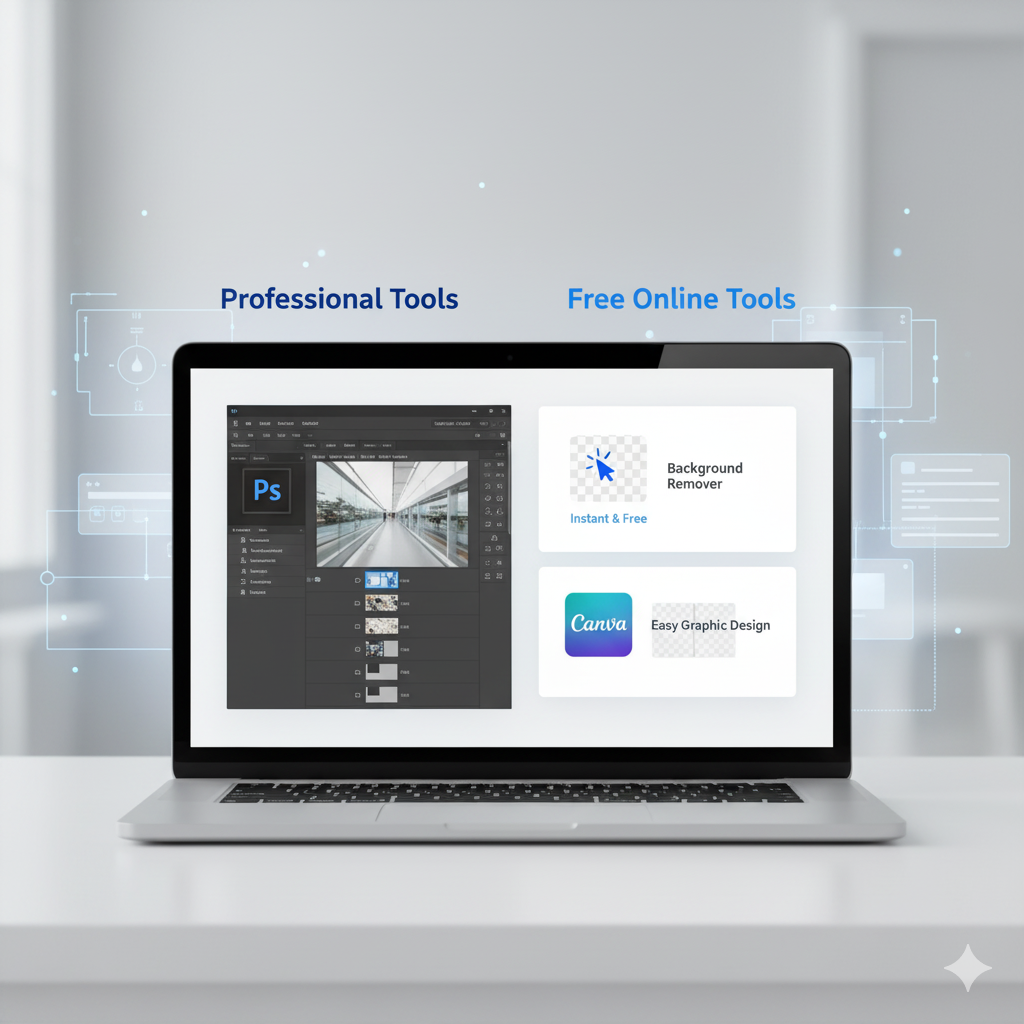
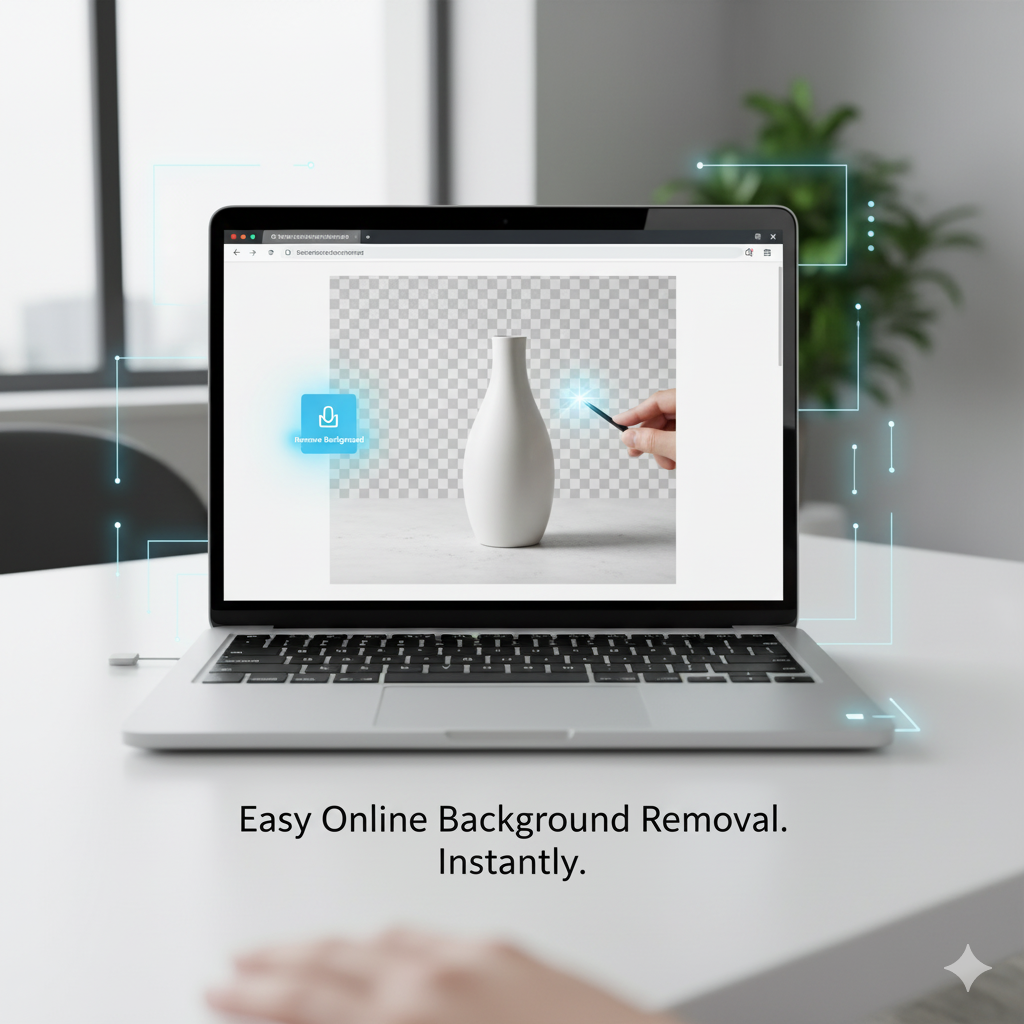
One of the most common photo edits is removing a background. In Photoshop, this can take several steps and precision masking. But with the Background Remover from MyFriendlyTools, you can remove backgrounds in seconds.
Why It’s a Great Photoshop Alternative
- Removes complex backgrounds instantly using AI.
- Perfect for product photos, headshots, and marketing visuals.
- No need for software or plugins.
✅ Best for: eCommerce sellers, designers, and social media marketers.
2. Image Resizer
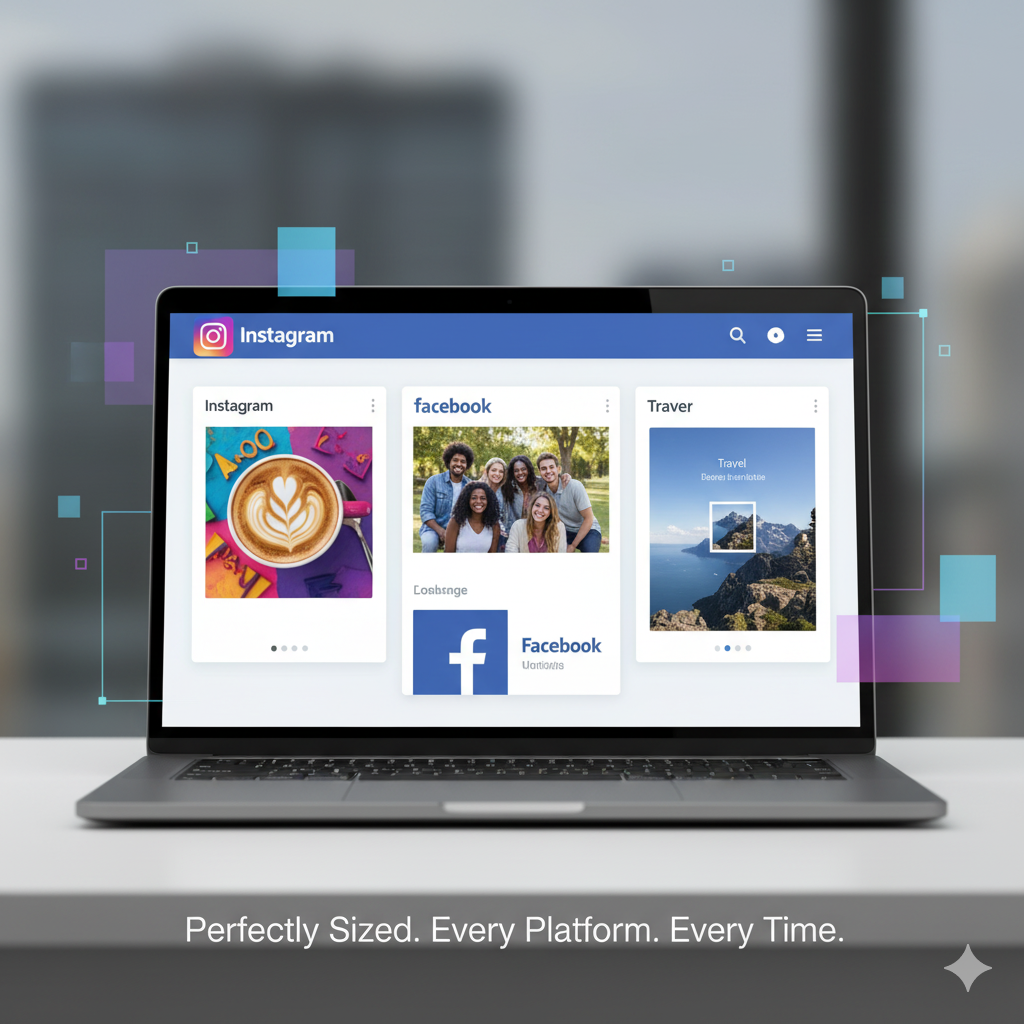
Different social media platforms require different image sizes—and resizing manually in Photoshop can take forever.
The Image Resizer Tool makes it easy to resize images for Instagram, Facebook, LinkedIn, and TikTok while maintaining perfect quality.
Key Benefits
- Resize instantly in your browser.
- Maintain image sharpness and resolution.
- Download optimized images ready to post.
✅ Best for: influencers, content creators, and brand designers.
3. Image File Converter
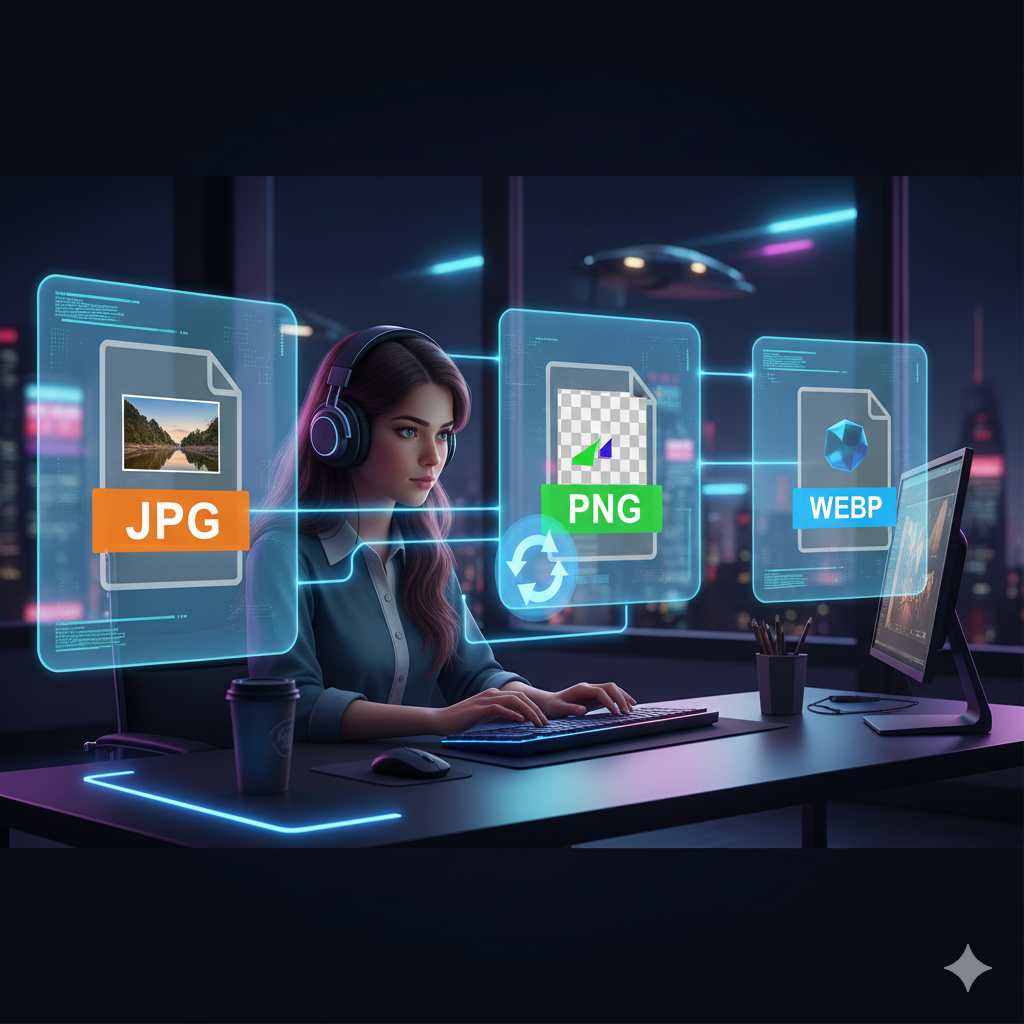
Photoshop can handle file conversion, but it’s not always the fastest way. With the Image File Converter from MyFriendlyTools, you can convert files between JPG, PNG, GIF, and more in seconds.
Why It’s Useful
- Quick format switching for websites and apps.
- No quality loss.
- Works on mobile and desktop browsers.
✅ Best for: freelancers, bloggers, and developers.
4. Canva (Free Version)
If you want a design platform that’s beginner-friendly, Canva is a fantastic choice. It offers templates, drag-and-drop design tools, and text overlays—all for free.
Why It’s Popular
- Ready-made templates for posts, flyers, and stories.
- Drag-and-drop simplicity.
- Great for non-designers.
✅ Best for: students, social media managers, and small businesses.
5. Photopea (Online Photoshop Clone)
Photopea is one of the most impressive free Photoshop alternatives. It looks and feels almost identical to Photoshop—complete with layers, masks, and blending options.
Why It’s a Game-Changer
- Opens PSD, XD, and Sketch files.
- Works fully online.
- No downloads or installations.
✅ Best for: experienced users who want advanced control without paying for Photoshop.
Photoshop vs. Free Alternatives
| Feature | Photoshop | Free Tools (MyFriendlyTools & others) |
|---|---|---|
| Price | Paid (subscription) | Free |
| Speed | Slower (requires install) | Instant, browser-based |
| Learning Curve | Steep | Beginner-friendly |
| Ideal Users | Professionals | Everyone |
Free tools are perfect for 90% of everyday tasks—resizing, cropping, background removal, and basic design.
Who Should Use Free Photoshop Alternatives?
- 🎓 Students: Edit school projects easily without buying software.
- 💼 Freelancers: Speed up workflows and reduce costs.
- 🏢 Small Businesses: Create social posts and ads affordably.
- 📸 Content Creators: Polish visuals for social media and blogs.
More Free Tools from MyFriendlyTools
Once your images are edited, you can boost your workflow even further with other free utilities:
- 📝 Word Counter – Keep blog posts and captions SEO-friendly.
- 🧹 Text Cleaner – Remove hidden formatting from copy.
- 🔤 Case Converter – Fix text case instantly.
- 🔗 QR Code Generator – Share links and portfolios easily.
- 🪄 Word to PDF Converter – Create professional, uneditable documents.
- 🧩 Diff Checker – Spot changes between text versions.
These tools make your workflow faster, smoother, and completely free.
Conclusion
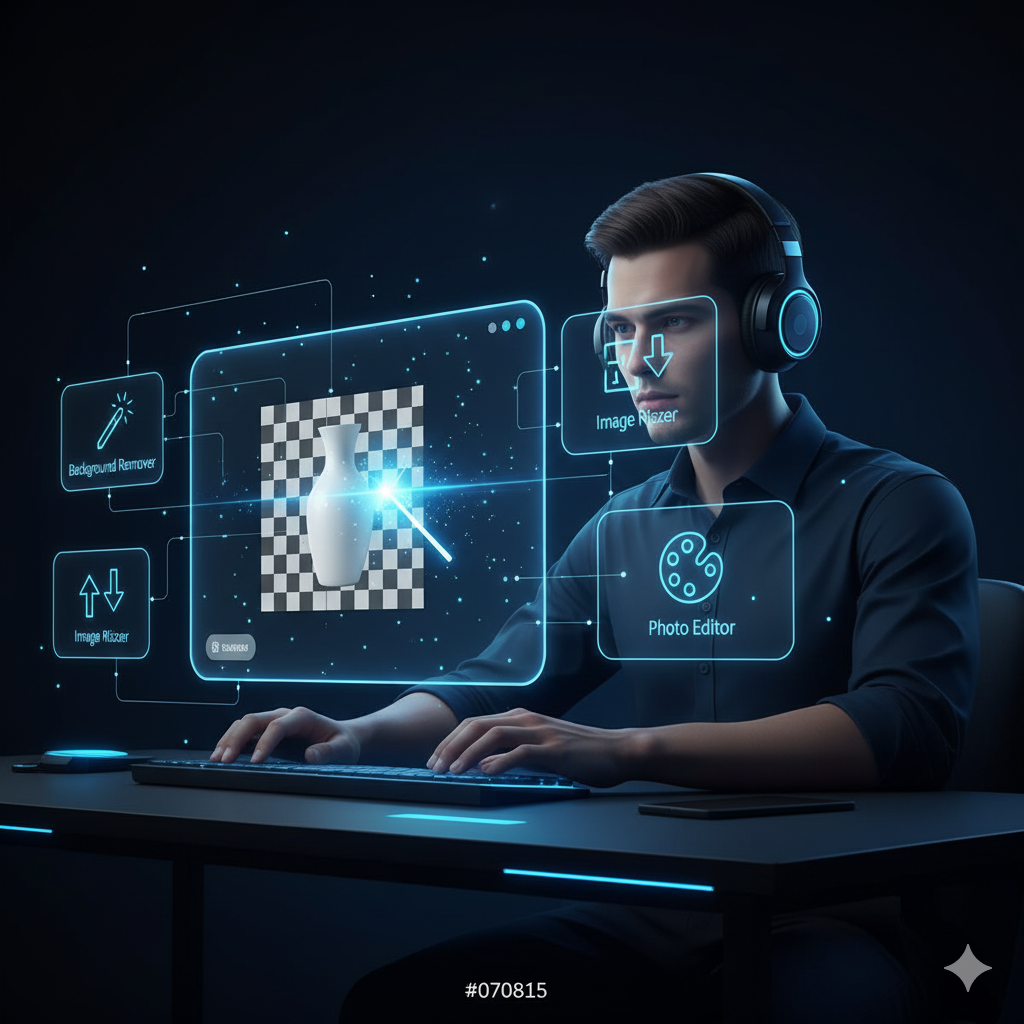
You don’t need expensive software like Photoshop to create professional, high-quality visuals. With tools like Background Remover, Image Resizer, and Photopea, editing becomes simple, fast, and accessible for everyone.
Whether you’re working on client graphics, product listings, or personal branding, these free Photoshop alternatives give you all the features you need—without the price tag.
👉 Try the Background Remover today and see how effortless professional editing can be!