
Convert images online without losing quality — it’s a challenge many students, freelancers, and businesses face every day. From preparing images for presentations to uploading sharp product photos for eCommerce or sharing professional content on social media, keeping picture quality intact is essential. Luckily, with the right tools, you can convert, resize, and optimize images without worrying about blurry or pixelated results.
At MyFriendlyTools, you’ll find free, secure, and easy-to-use online tools that simplify this process and keep your images crystal clear.
In today’s fast-paced digital world, people rely heavily on online tools to make daily tasks easier, faster, and more efficient. Whether you’re a student working on assignments, a professional handling documents, or a casual user looking for quick utilities, having the right set of tools at your fingertips can save time and effort. That’s where MyFriendlyTools comes in.
At MyFriendlyTools, our mission is simple—to provide free, reliable, and user-friendly online applications that help you work smarter. From file conversions to text editing and creative tools, everything is built to be accessible without downloads or complicated setups. This makes it easy for anyone, regardless of technical knowledge, to get things done with just a few clicks.
Why Image Quality Matters
High-quality images play an important role in today’s digital world. They influence how people perceive your work, your brand, or even your personal projects. Here’s why image quality should never be compromised:
- SEO Benefits – Search engines reward websites with optimized, sharp images that load quickly.
- Professional Impact – Clear photos create a polished and trustworthy impression in presentations, reports, and portfolios.
- Marketing Results – High-resolution visuals increase clicks, engagement, and sales for businesses.
- User Experience – Blurry or stretched images drive users away and reduce credibility.
The good news is that you don’t need expensive software to achieve this. Free tools can help you maintain image quality while saving time and money.
The Best Free Tools to Convert Images Online Without Losing Quality
MyFriendlyTools offers a complete set of utilities that anyone can use without downloads or sign-ups. Here are the top ones:
1. Image File Converter
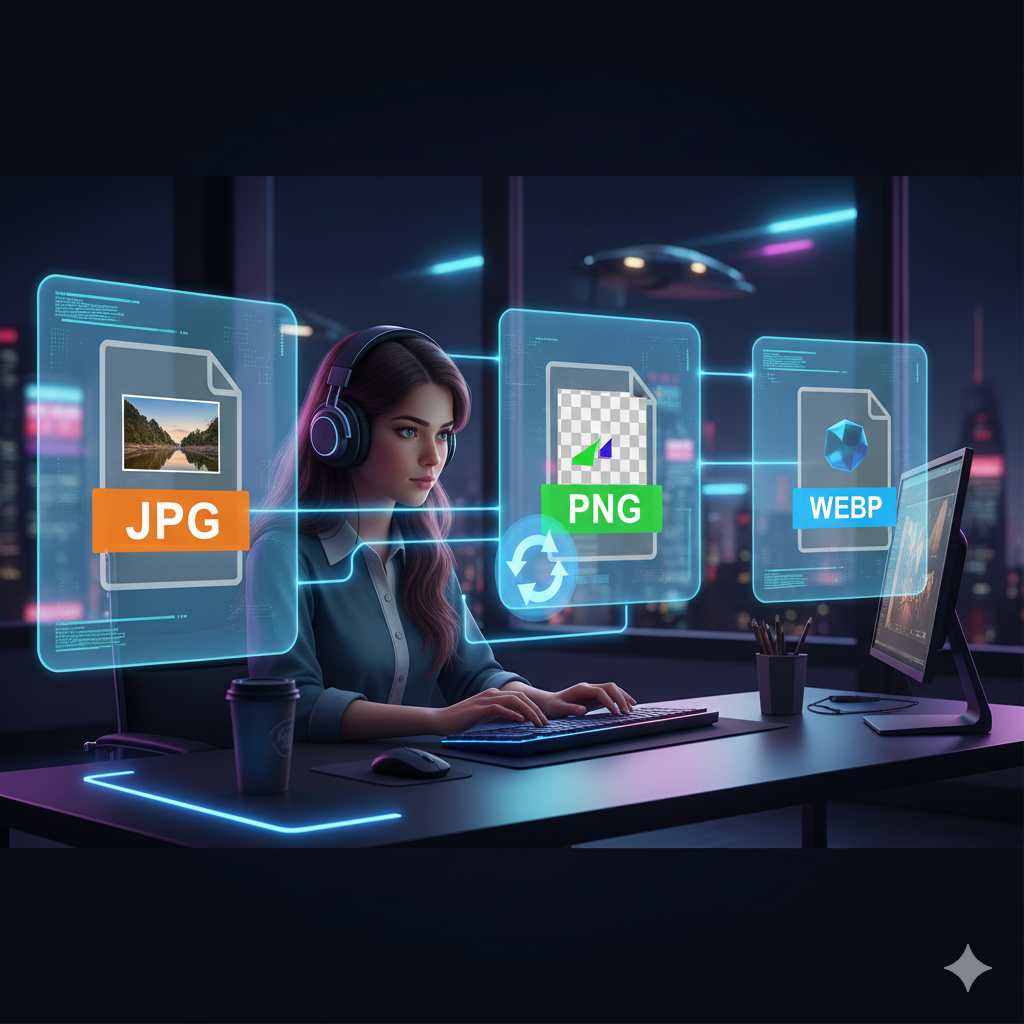
Easily convert JPG, PNG, GIF, or WebP formats while preserving sharpness. Perfect for quick sharing or ensuring compatibility across platforms.
2. Image Resizer
Adjust dimensions for web, social media, or presentations without making the image look blurry. Keep file sizes optimized without losing clarity.
3. Background Remover
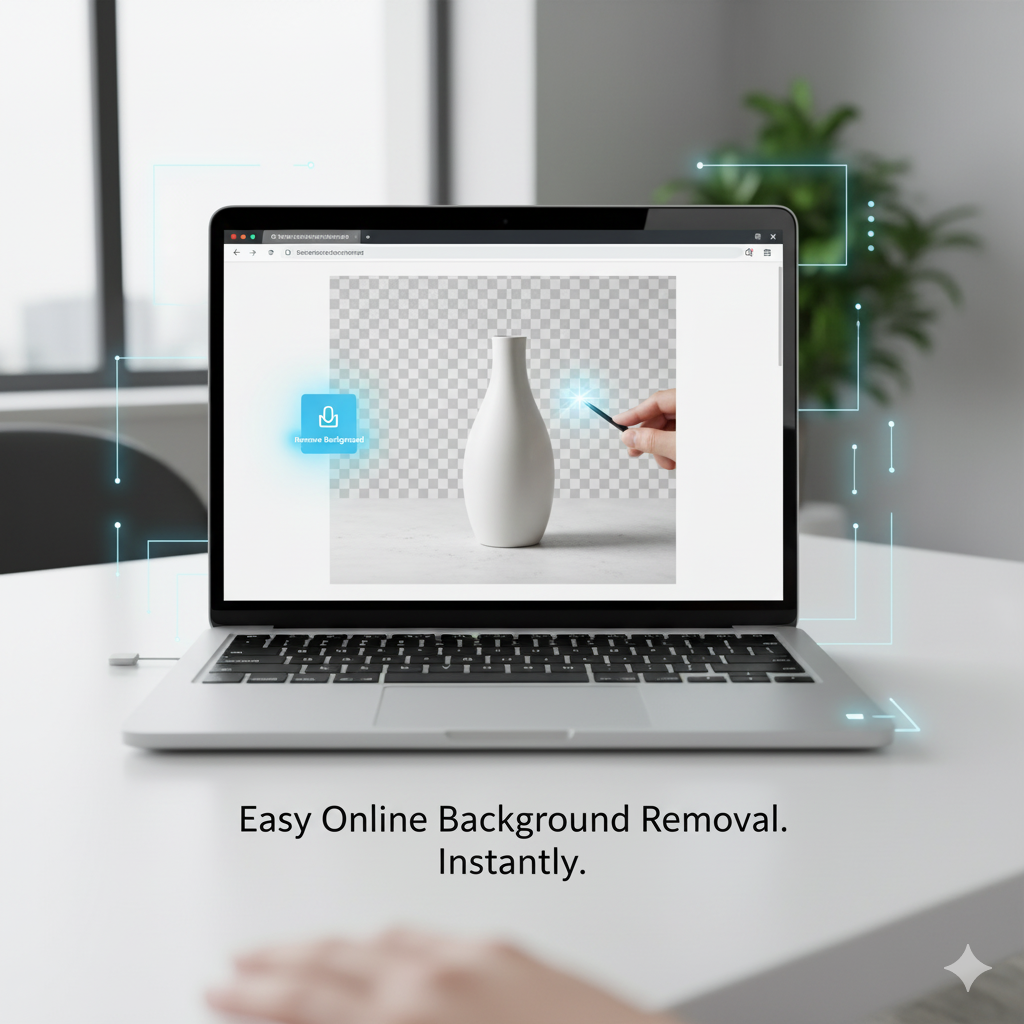
Remove messy backgrounds automatically while keeping your subject sharp. Ideal for eCommerce, design projects, and professional branding.
Step-by-Step Guide: Converting Images Without Losing Quality
Here’s how you can quickly convert your images using MyFriendlyTools:
- Open the Image File Converter.
- Upload your photo (supports JPG, PNG, GIF, and WebP).
- Select your desired output format.
- Click download — your converted image is ready instantly.
💡 Pro Tip: If you need to resize your converted photo, head over to the Image Resizer right after conversion.
Online Tools vs Desktop Software
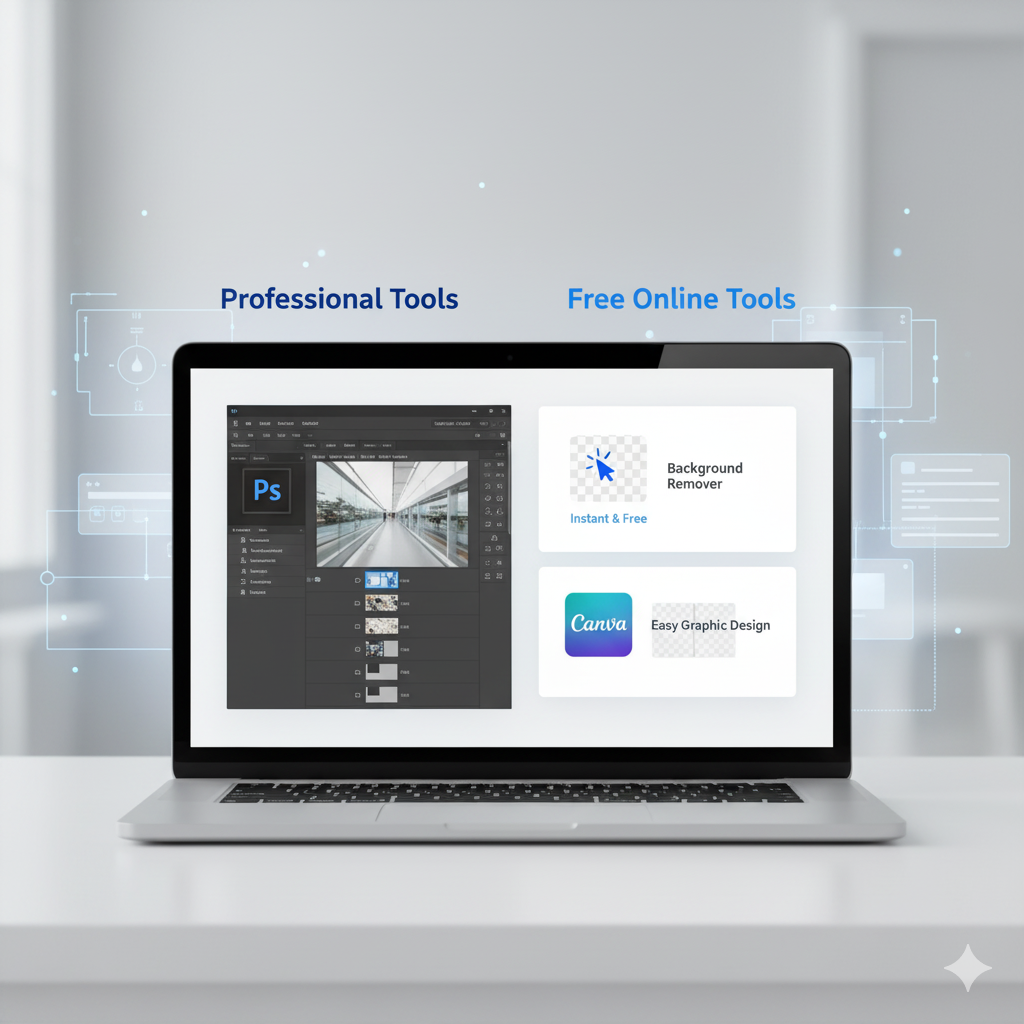
You might wonder, why not use Photoshop or other heavy desktop applications? The truth is:
- Online tools are faster – no need to install or update software.
- They’re affordable – completely free with no hidden fees.
- Accessible anywhere – works on desktop, tablet, or mobile.
- Secure – at MyFriendlyTools, your files are not stored after processing.
For most people, these online utilities are more than enough to handle daily image tasks.
The Future of Image Conversion
As technology grows, online tools are becoming smarter and more accessible. Expect AI-powered features such as automatic quality enhancement, instant resizing for multiple platforms, and real-time optimization for faster workflows. MyFriendlyTools is constantly improving its collection to stay ahead and provide users with the best free solutions.
Conclusion
If you want to convert images online without losing quality, free online tools are the easiest and most reliable choice. With utilities like the Image File Converter, Image Resizer, and Background Remover, you can create professional, high-quality images in just a few clicks.
👉 Explore all free tools at MyFriendlyTools today and simplify your digital workflow.