Introduction
When it comes to image editing, Adobe Photoshop has long been the gold standard. It’s powerful, professional, and trusted by designers worldwide. But here’s the truth: not everyone needs to spend hundreds of dollars a year on software—especially when you just want to do quick edits like background removal, image resizing, or file conversion.
The good news? There are plenty of free alternatives to Photoshop that are simple, fast, and even browser-based. Many of them don’t require any downloads or complicated learning curves, making them accessible to students, freelancers, small business owners, and content creators.
Whether you’re editing a school project, preparing images for a client, or creating social media content for your brand, free tools can save you both time and money. In this guide, we’ll walk through the Top 5 Free Photoshop Alternatives for Quick Edits in 2025—including powerful tools available at MyFriendlyTools.
Why Use Free Photoshop Alternatives?
So why are more and more people turning away from expensive software like Photoshop? The answer is simple:
- Cost-Effective – No subscriptions, no hidden charges.
- Convenient – Works directly in your browser, no installation needed.
- Fast & Simple – Ideal for quick tasks like resizing, background removal, or file conversions.
Instead of investing hours learning complex features, you can get 80% of what Photoshop offers—without the price tag.
Top 5 Free Alternatives to Photoshop for Quick Edits
Here are the top tools you can use right away:
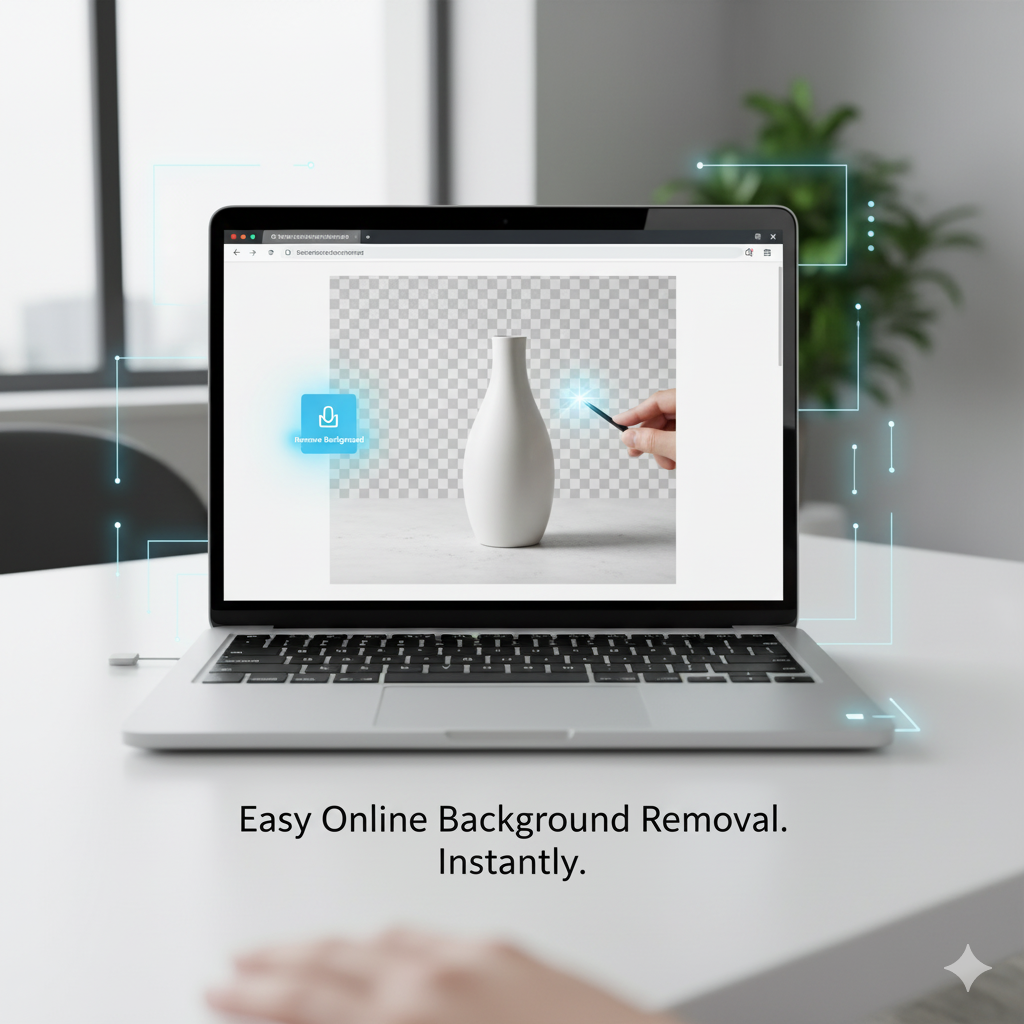
1. Background Remover
Removing image backgrounds is one of the most common editing tasks. In Photoshop, this usually requires careful masking or pen tool work, which can be time-consuming. With MyFriendlyTools’ Background Remover, you simply upload your photo, and the tool automatically removes the background in seconds.
✅ Perfect for: eCommerce product photos, social media posts, branding materials, and profile pictures.
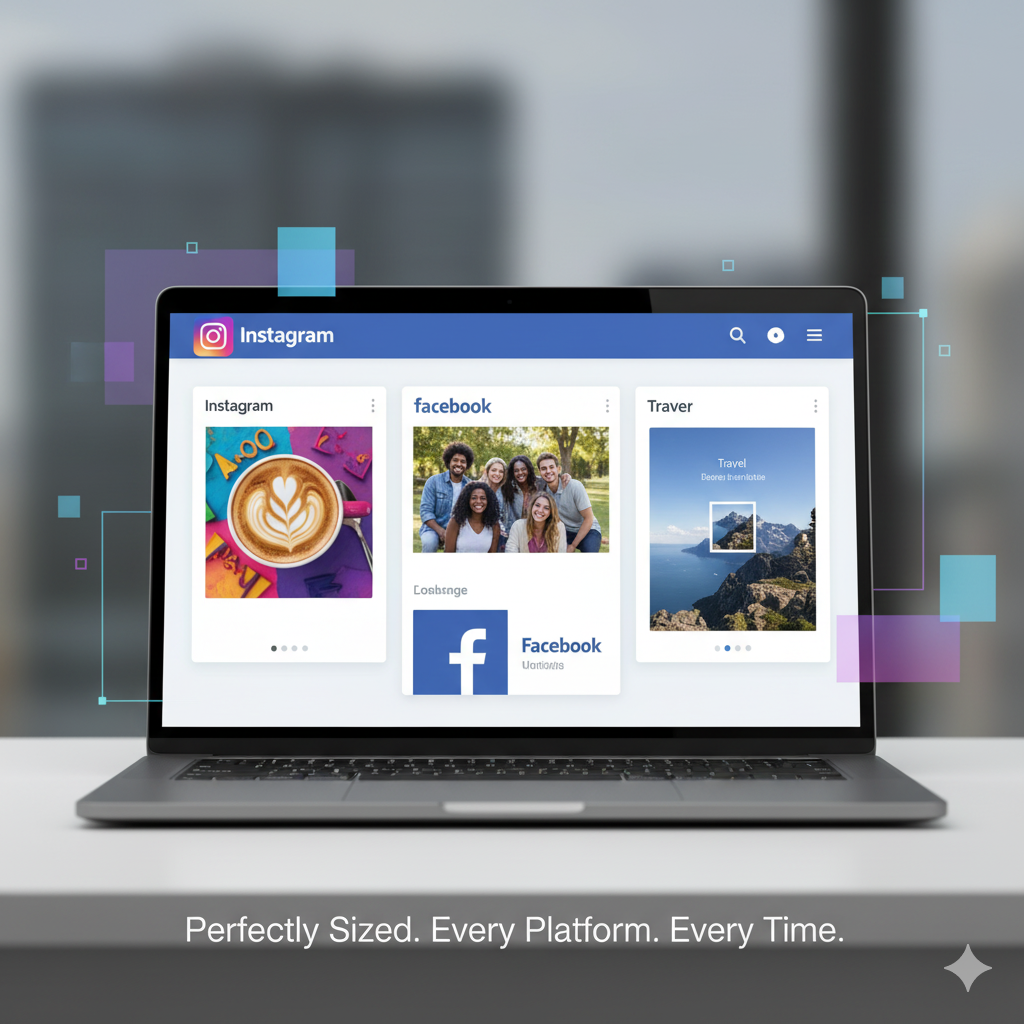
2. Image Resizer
Every platform has different image requirements. Instagram prefers squares, Facebook cover photos have their own dimensions, and LinkedIn banners need wider formats. Resizing images manually in Photoshop can feel like a chore.
With the Image Resizer Tool, you can quickly adjust dimensions while maintaining quality. Just upload your image, set the desired size, and download the optimized version.
✅ Perfect for: Instagram, Facebook, LinkedIn, TikTok, and blog images.
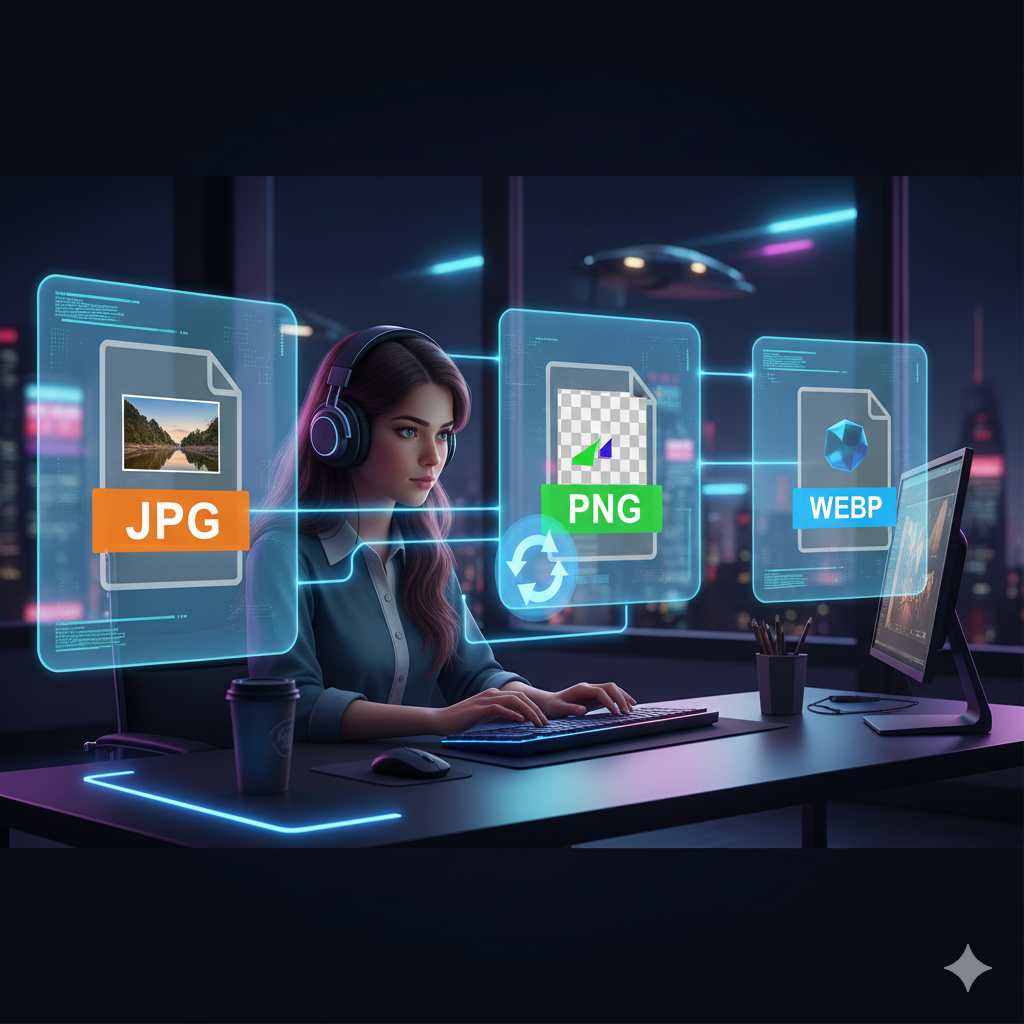
3. Image File Converter
Sometimes, all you need is to change an image format—say from JPG to PNG, or PNG to GIF. Photoshop can handle it, but why open a heavy program when you can do it instantly with a free online converter?
The Image File Converter at MyFriendlyTools supports multiple formats, making it easy to switch between JPEG, PNG, GIF, BMP, and more.
✅ Perfect for: freelancers sending client deliverables, bloggers who need optimized web images, and developers managing assets.
4. Canva (Free Version)
For users who want to go beyond basic edits and dive into design, Canva is an excellent option. While not built into MyFriendlyTools, it’s worth mentioning because of how beginner-friendly it is. Canva makes it possible to create graphics, posters, flyers, and social media posts with drag-and-drop ease.
✅ Perfect for: small businesses, students, social media managers, and non-designers.
5. Photopea (Photoshop Clone Online)
If you’re looking for the closest free option to Photoshop itself, Photopea is the way to go. It’s a browser-based editor that supports PSD files, layers, and advanced features—all without installation.
✅ Perfect for: advanced users, freelancers, and anyone who has experience with Photoshop.
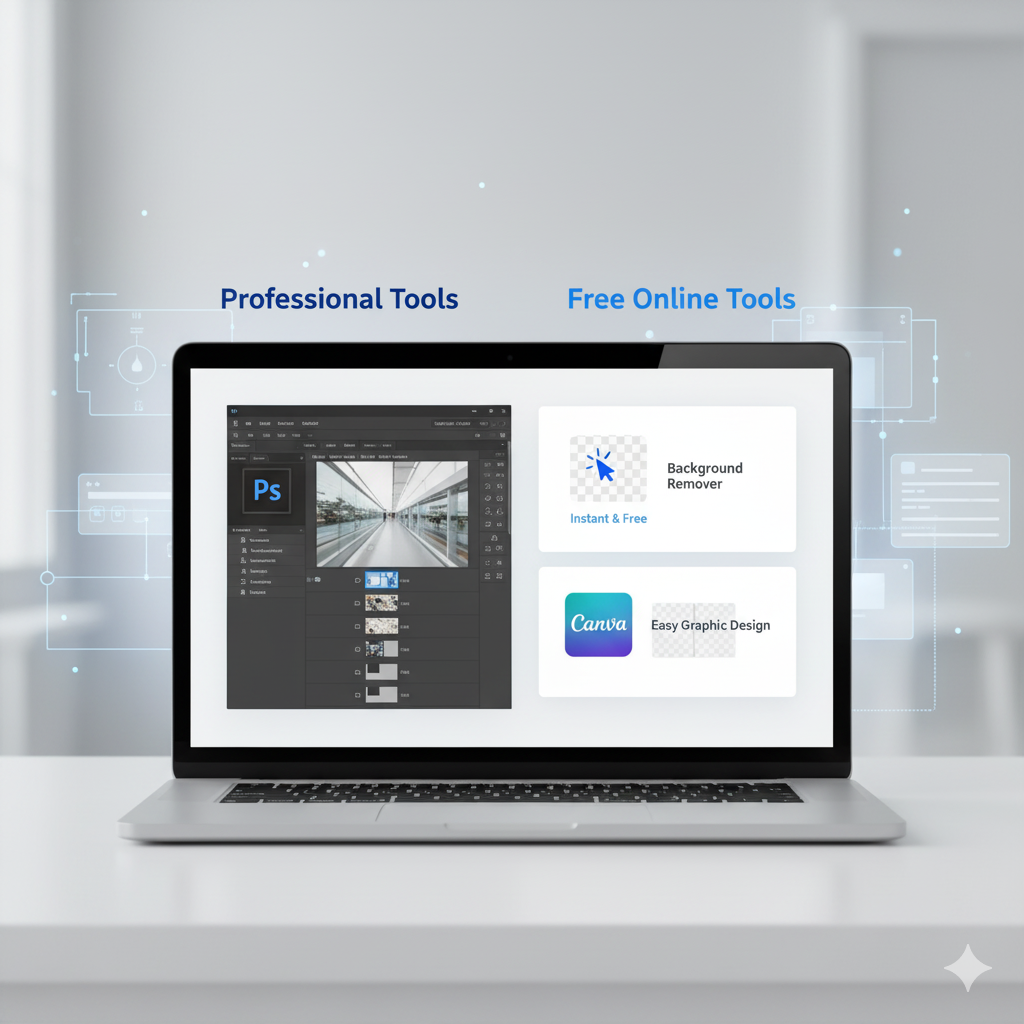
Photoshop vs Free Alternatives
- Photoshop: Best for professional designers, photographers, and advanced users.
- Free Tools (like those on MyFriendlyTools): Best for students, small businesses, social media creators, and cost-conscious users.
With free alternatives, you’re not compromising much—you’re simply choosing faster, easier workflows.
Who Should Use Free Photoshop Alternatives?
These tools are perfect for:
- Students – Quick edits for projects without buying expensive software.
- Freelancers – Efficient workflows with zero extra costs.
- Small Businesses – Affordable branding and marketing.
- Content Creators – Resize, edit, and polish posts instantly.
More Free Tools to Explore
Your workflow doesn’t stop at image editing. That’s why MyFriendlyTools also offers:
- Word Counter – Perfect for SEO writing.
- Case Converter – Easily switch between uppercase, lowercase, or title case.
- Diff Checker – Spot changes between text versions instantly.
- QR Code Generator – Create QR codes for websites, links, or events.
- Word to PDF Converter – Convert documents instantly.
- Text Cleaner – Clean formatting from copied text.
Conclusion
You don’t always need Photoshop for image editing. Thanks to tools like Background Remover, Image Resizer, and Image File Converter, you can handle quick edits with ease—completely free.
At MyFriendlyTools, we believe editing shouldn’t be complicated or expensive. Whether you’re a student, freelancer, business owner, or content creator, these free Photoshop alternatives will help you work smarter, faster, and at zero cost.
👉 Try the Background Remover today and see how simple professional editing can be!