Introduction
Best image converter tools are essential for every blogger and designer aiming to create high-quality visuals for websites, brands, and social media. Whether you’re resizing images, changing file formats, or optimizing photos for faster loading, having the right tools can save hours of work and improve your content’s overall quality.
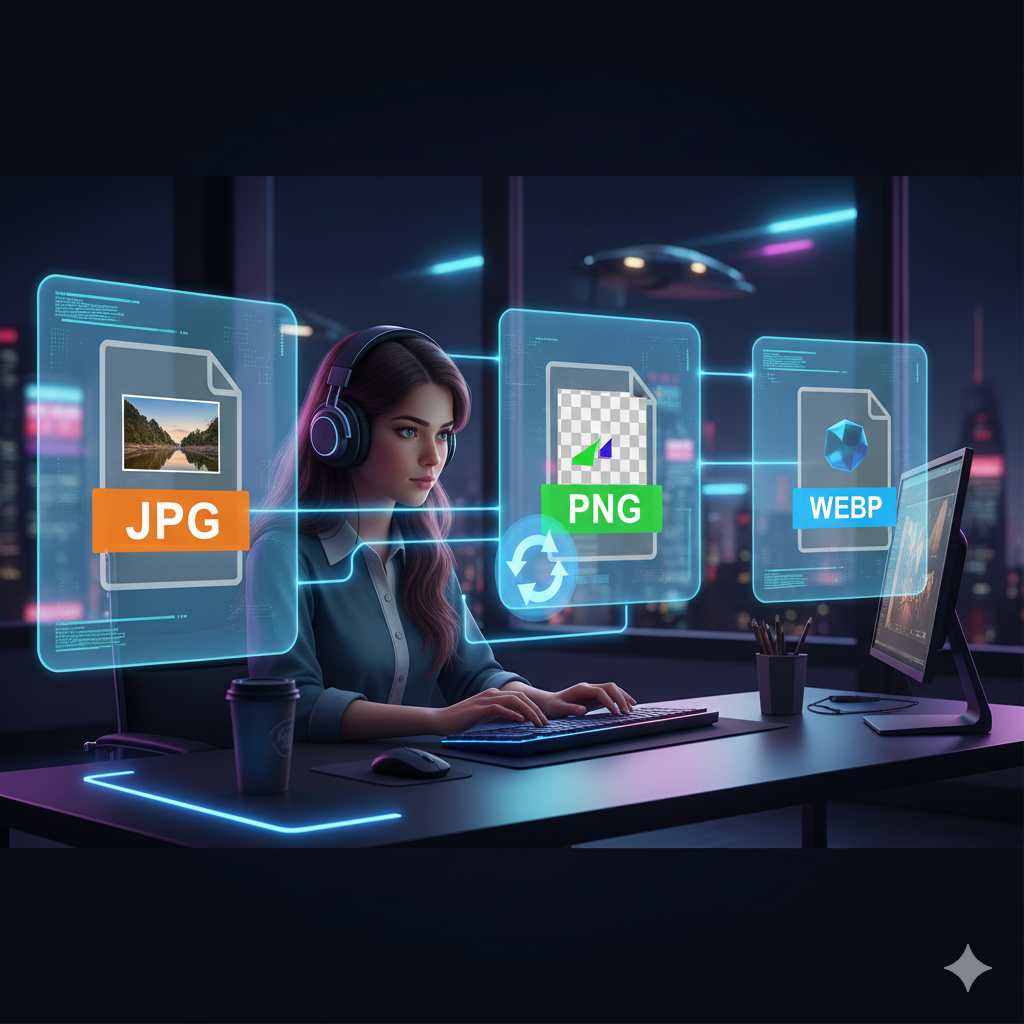
In today’s fast-paced digital world, visuals play a massive role in capturing attention. Bloggers need perfectly formatted images for blog posts, while designers handle multiple formats for clients and campaigns. But not every platform supports every format—a transparent PNG logo might need to be converted to JPG for web optimization, or a high-quality WEBP image might not display correctly in older browsers.
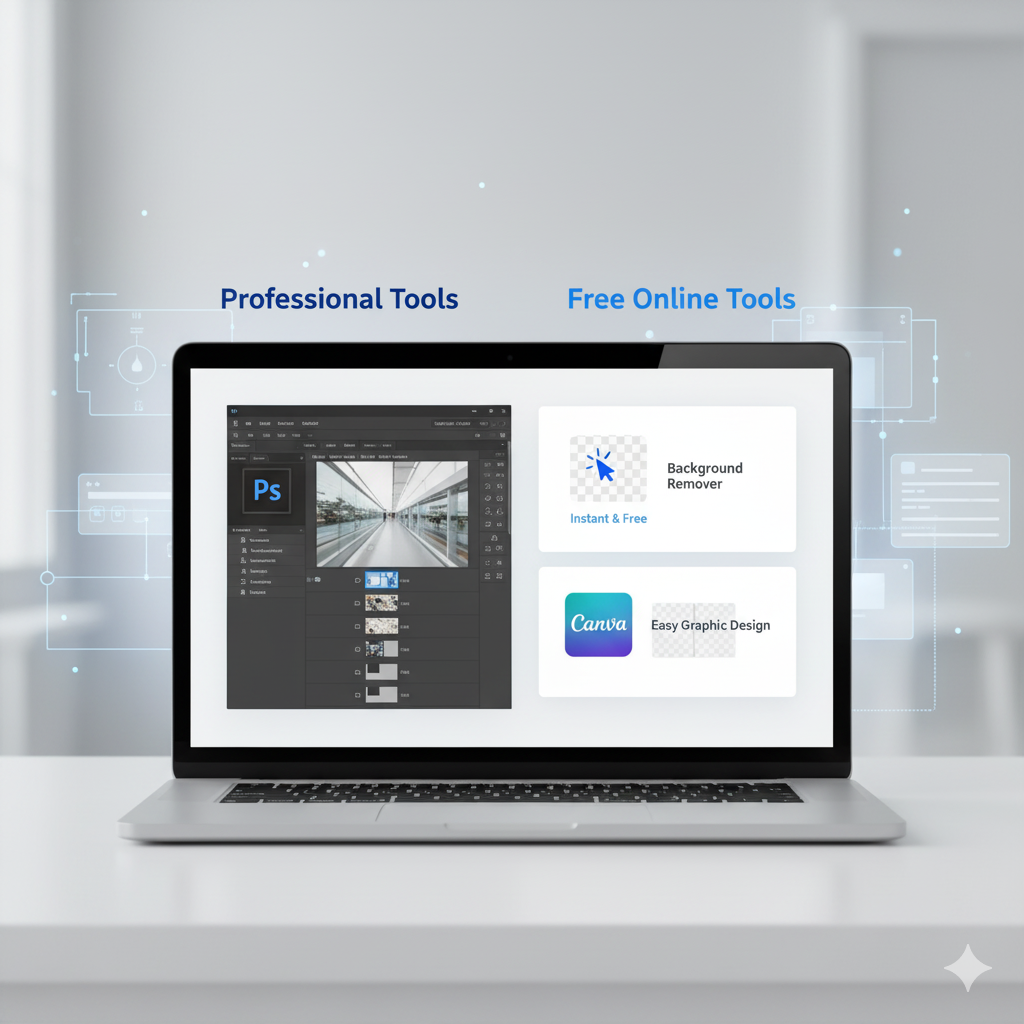
That’s where free and reliable image converter tools come in. Instead of using heavy software like Photoshop, you can now convert JPG, PNG, WEBP, and GIF files instantly online—without compromising quality.
In this guide, we’ll explore the best image converter tools for bloggers and designers, including free and fast options available on MyFriendlyTools.
💡 Why Image Converter Tools Matter
Before diving into the list, let’s understand why these tools are essential for creators like you.
- 🖼️ Format Flexibility – Convert between JPG, PNG, WEBP, GIF, and more.
- ⚡ Speed & Efficiency – Save time by converting multiple images instantly.
- 🌐 Web Optimization – Use the right format to improve website speed and SEO.
- 💾 Space Saving – Compress and convert large images to lighter formats.
- 🎨 Cross-Platform Compatibility – Ensure your visuals work across all platforms and CMS.
🔧 1. MyFriendlyTools Image Converter (Free & Fast)
If you’re looking for a simple, browser-based image converter, the Image File Converter from MyFriendlyTools is your best choice.
You can convert between JPG, PNG, WEBP, GIF, and BMP instantly — no downloads, no signups, just drag, drop, and convert.
✅ Perfect for:
- Bloggers updating visuals for SEO-optimized posts
- Designers preparing multiple versions of graphics
- Content creators resizing and converting on the go
💡 Pro Tip: After converting, use the Background Remover to make your images transparent for social media or branding.
🎨 2. Photopea (Advanced Online Editor)
Photopea is a browser-based Photoshop alternative that doubles as a powerful converter. It supports PSD, JPG, PNG, and even RAW files, allowing you to export in any common format.
✅ Perfect for:
- Designers needing Photoshop-level control
- Bloggers who want a free, all-in-one photo editor
- Anyone working with layered designs
💡 Pro Tip: Combine Photopea edits with the Image Resizer to optimize dimensions for WordPress or social media.
🖥️ 3. TinyWow Image Converter
TinyWow offers a range of file utilities, including an image converter that supports JPG, PNG, WEBP, and more. The best part? It’s entirely free and doesn’t watermark your files.
✅ Perfect for:
- Quick, one-time conversions
- Batch image format changes
- Non-technical users
💡 Pro Tip: Convert your images and then clean up your blog content using Text Cleaner from MyFriendlyTools for SEO-friendly formatting.
📷 4. Convertio
Convertio is a professional-grade online file converter that supports over 100 image formats. You can upload files directly from your device, Google Drive, or Dropbox.
✅ Perfect for:
- Graphic designers managing large image libraries
- Teams needing multiple file format outputs
- Bloggers converting rare formats like SVG or TGA
💡 Pro Tip: After conversion, check your content for duplicate visuals using the Diff Checker.
🧩 5. ILoveIMG
ILoveIMG is a user-friendly platform that offers tools for converting, resizing, compressing, and editing images. Its drag-and-drop simplicity makes it a great choice for non-designers.
✅ Perfect for:
- Bloggers managing image-heavy websites
- Social media managers
- E-commerce business owners
💡 Pro Tip: Once your images are optimized, generate scannable links using the QR Code Maker to promote your visuals offline.
🧠 How to Choose the Right Image Converter
When deciding which image converter tool fits your workflow, consider:
- Speed – Does it process images instantly?
- Formats Supported – Can it handle all your image types?
- Batch Conversion – Can you convert multiple images at once?
- Ease of Use – Is the interface simple and beginner-friendly?
- Integration – Can it work alongside other tools you already use?
If you’re looking for a quick, reliable solution that works right in your browser, MyFriendlyTools Image Converter is the best place to start.
🌟 Bonus: More Free Tools for Bloggers & Designers
MyFriendlyTools isn’t just an image platform—it’s a full toolbox for creators. Try these free apps next:
- 📝 Word Counter – Perfect for writing SEO-friendly blog content.
- 🧹 Text Cleaner – Remove formatting, line breaks, and hidden characters.
- 🔠 Case Converter – Instantly switch text between uppercase, lowercase, or title case.
- 📊 Diff Checker – Spot differences in drafts or design code.
✨ Conclusion
As a blogger or designer, your visuals define your brand. Using the best image converter tools helps ensure every file is optimized for quality, speed, and compatibility.
Whether you’re reformatting images for WordPress, editing client assets, or preparing social media graphics — tools like MyFriendlyTools Image Converter, Photopea, and ILoveIMG make the process effortless.
👉 Start with the MyFriendlyTools Image Converter today and experience fast, free, and high-quality conversions for all your creative projects.