Step-by-Step Guide: How to Remove Background from Photos Online (Free & Easy)
Images are the backbone of digital communication. Whether you are running an online store, creating social media posts, or preparing a presentation, visuals grab attention faster than text. But sometimes, the background of a photo can ruin the overall look. Maybe it’s cluttered, distracting, or just doesn’t fit your brand’s style.
This is where background removal tools come in. With just a few clicks, you can remove the background from any photo online—no Photoshop, no expensive subscriptions, and no design skills required.
In this guide, you’ll learn:
- Why removing photo backgrounds is important
- How to remove backgrounds online (step-by-step)
- The best free background remover tools
- Tips for getting professional results
- How background removal benefits businesses, creators, and marketers
Why Remove Backgrounds from Photos?
Background removal isn’t just about looks—it’s a powerful way to improve communication, branding, and professionalism. Here’s why it matters:
- Professional Appearance – Clean images create trust and credibility.
- Brand Consistency – Keeping a uniform background style makes your brand memorable.
- Higher Engagement – Social media posts with polished images get more likes, shares, and comments.
- Better Conversions in E-commerce – Platforms like Amazon, eBay, and Shopify often require white or transparent backgrounds.
- Creative Flexibility – Once the background is gone, you can easily replace it with colors, graphics, or new designs.
Step-by-Step: How to Remove Backgrounds Online
Here’s how you can remove a photo background online in minutes:
Step 1: Visit a Free Online Background Remover
👉 Try the MyFriendlyTools Background Remover—it’s free, secure, and works directly in your browser.
Step 2: Upload Your Image
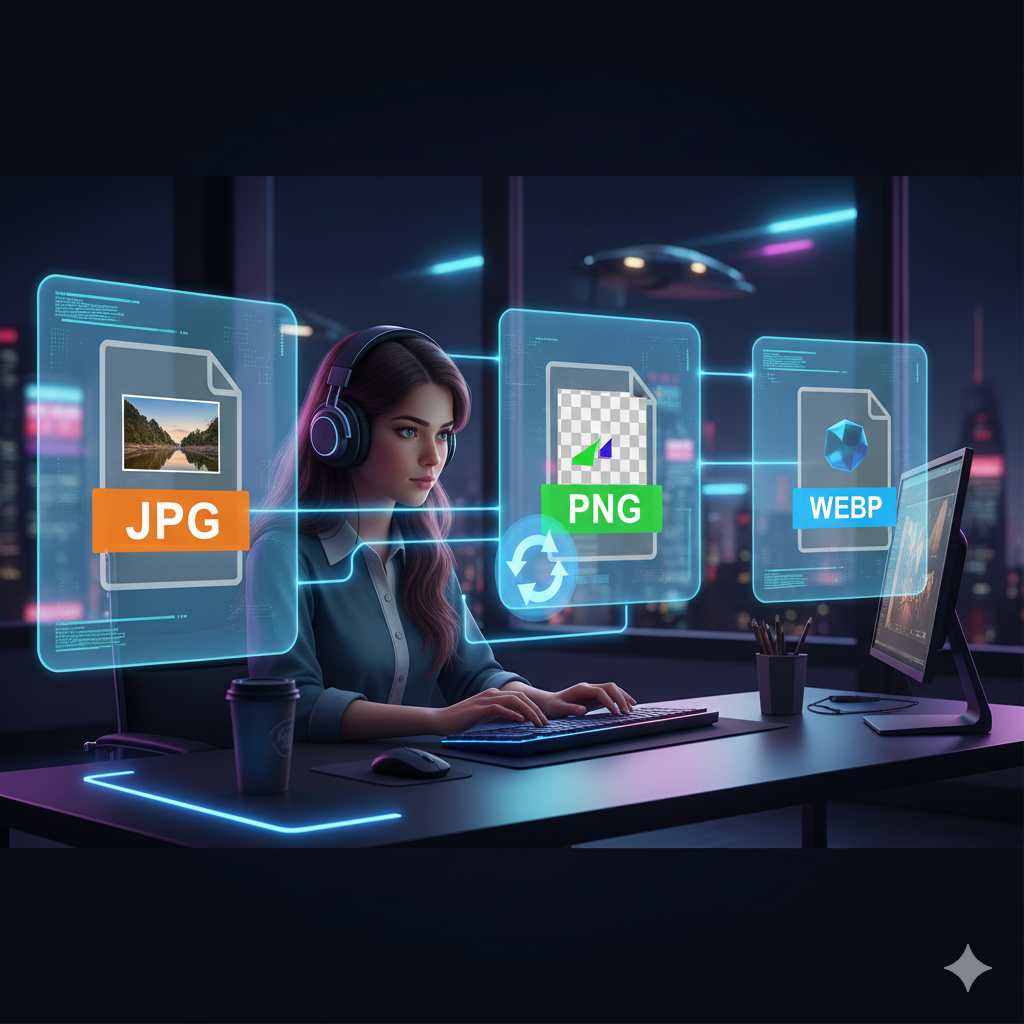
Choose the photo you want to edit. Supported formats include JPG, PNG, and GIF.
Step 3: Let the AI Work
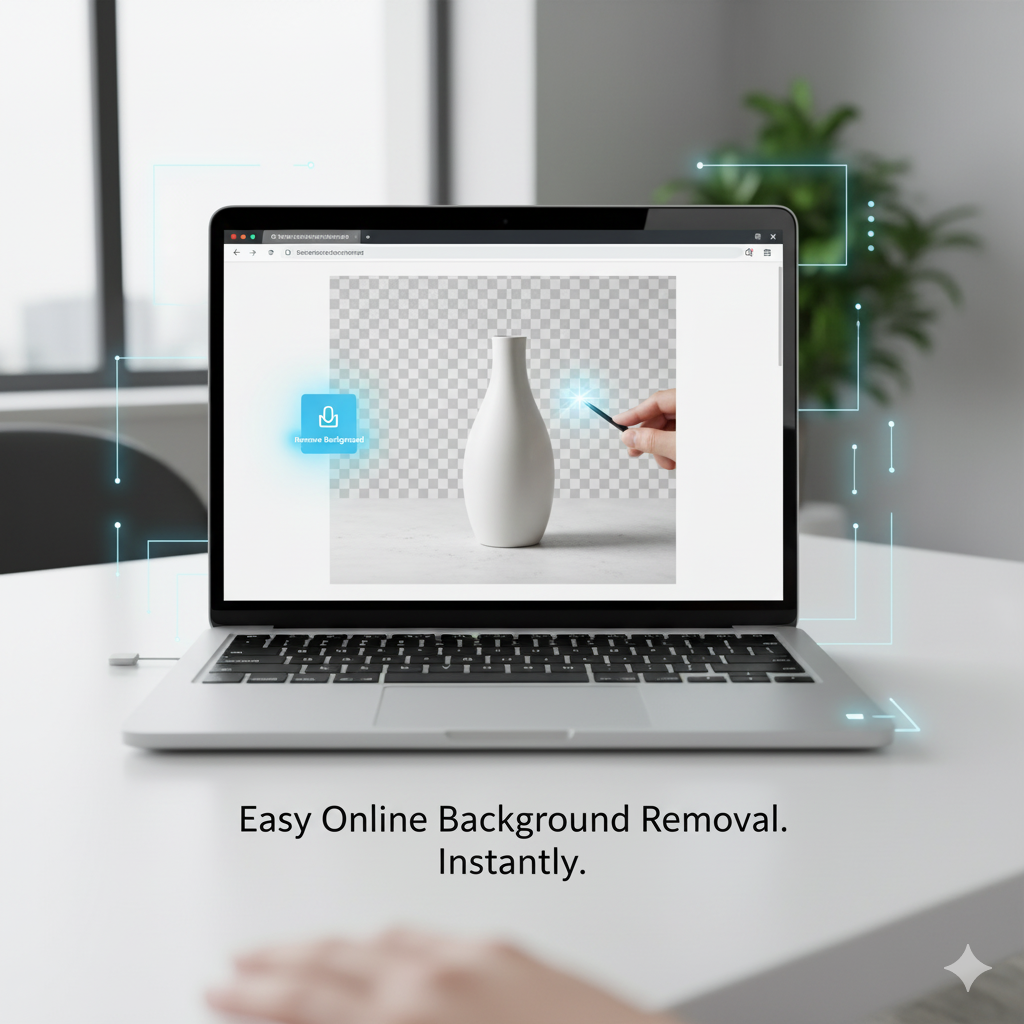
The tool automatically detects the subject and removes the background in seconds.
Step 4: Fine-Tune the Result
Adjust edges, restore important details, or smooth out cutouts.
Step 5: Download Your New Image
Export the photo as a PNG (for transparent backgrounds) or JPG with a solid background color.
Best Free Tools to Remove Backgrounds
While many tools exist, here are the top ones:
- MyFriendlyTools Background Remover – Fast, free, and no sign-up required.
- Remove.bg – AI-based background remover.
- Canva Background Remover – Great for designers (limited free use).
- Adobe Express – Simple and beginner-friendly.
Tips for the Best Results
- Use high-quality photos for sharper edges.
- Avoid cluttered backgrounds for better AI detection.
- Export in PNG format for transparent results.
- Always check hair, fur, and fine details before saving.
- Replace with brand-colored backgrounds for consistency.
How Background Removal Helps Businesses
Background removal is more than just a design trick—it’s a marketing essential.
- E-commerce Sellers – Cleaner product photos = higher sales.
- Content Creators – Perfect for thumbnails, posts, and ads.
- Professionals – Use polished profile photos for LinkedIn and resumes.
- Educators & Students – Enhance presentations and projects.
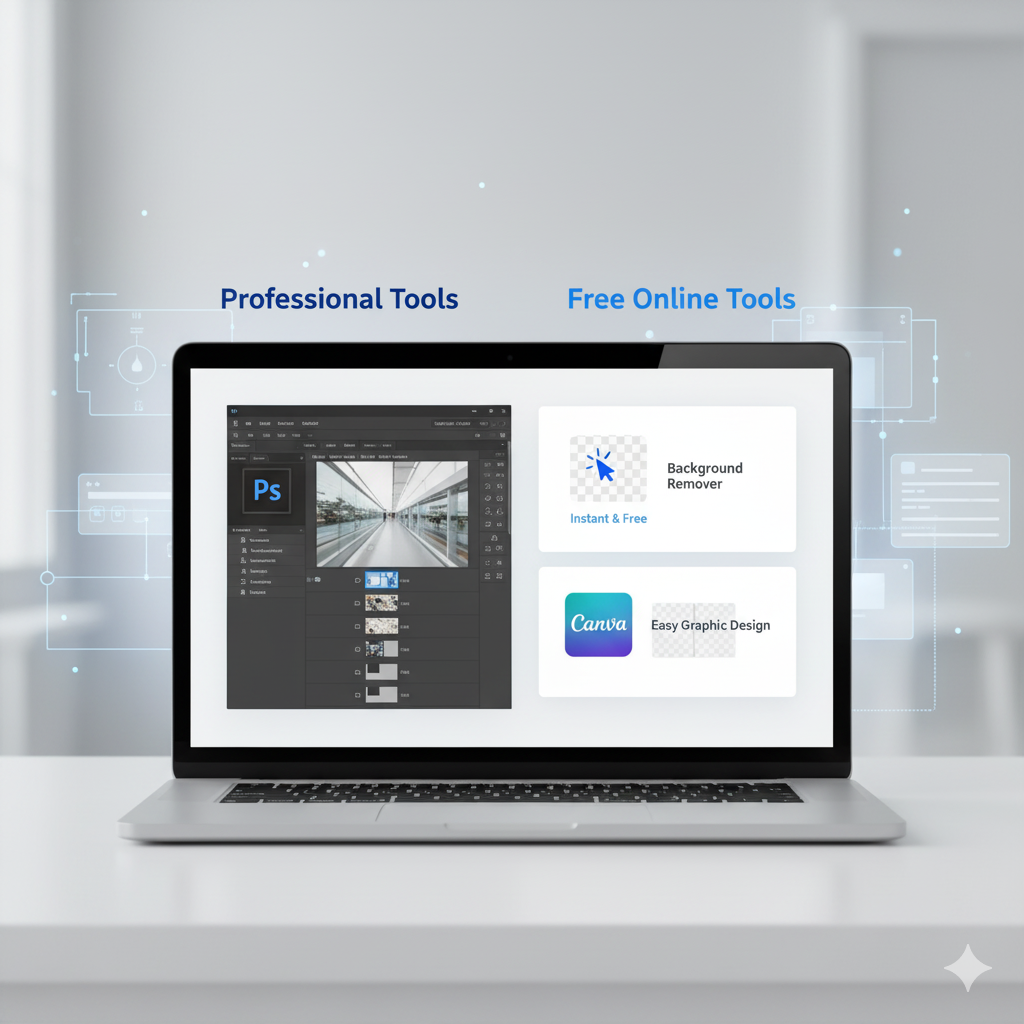
Why Free Tools Are Better Than Paid Software
Instead of paying for Photoshop or Canva Pro, free tools like MyFriendlyTools Background Remover offer:
- No installation
- Instant edits
- Free access
- Beginner-friendly usability
More Free Tools for Content Creators
If you love editing photos, you’ll also find these free tools helpful:
- Image Resizer – Perfect for Instagram, Facebook, and TikTok.
- Image File Converter – Change file formats instantly.
- Word Counter – Write optimized captions and blog posts.
- QR Code Generator – Share links in seconds.
- Diff Checker – Compare text files instantly.
Common Mistakes to Avoid
- Cropping out important details.
- Using low-resolution images.
- Saving transparent images as JPG instead of PNG.
- Forgetting brand colors when replacing backgrounds.
Conclusion
Removing photo backgrounds no longer requires expensive software or advanced editing skills. With tools like MyFriendlyTools Background Remover, you can create professional, polished, and versatile images in just minutes.
✅ Save time
✅ Improve brand visuals
✅ Boost engagement and sales
👉 Start now with the MyFriendlyTools Background Remover and make your photos stand out today!