Introduction
Resize images for social media the right way, and your content instantly looks polished, professional, and engaging. In today’s fast-paced online world, visuals play a crucial role in digital success. Whether you’re a business owner, freelancer, influencer, or student, the quality and size of your images directly impact how your audience reacts to your content.
Think about it: a blurry Instagram post, a stretched Facebook cover, or a cut-off Twitter/X banner can ruin your professional image. Every social media platform has its own size requirements, and failing to meet them can hurt your brand, lower engagement, and even reduce trust.
So, what’s the easiest solution? Instead of wasting time with complicated photo-editing software, you can instantly resize images for social media using a free, browser-based tool like the Image Resizer from MyFriendlyTools. It’s simple, fast, and designed to save you hours of effort—without sacrificing quality.
Why Image Size Matters on Social Media
Uploading images without proper resizing can have a negative impact on your online presence. Here’s why correct sizing matters more than you think:
- Professional appearance – Sharp, properly sized visuals create a strong first impression.
- Higher engagement – Posts with the right dimensions tend to get more likes, comments, and shares.
- Brand consistency – Keeping images consistent across platforms ensures your profile looks polished.
- Algorithm-friendly – Social platforms prioritize clean, properly formatted visuals for better reach.
The Easiest Way to Resize Images Online
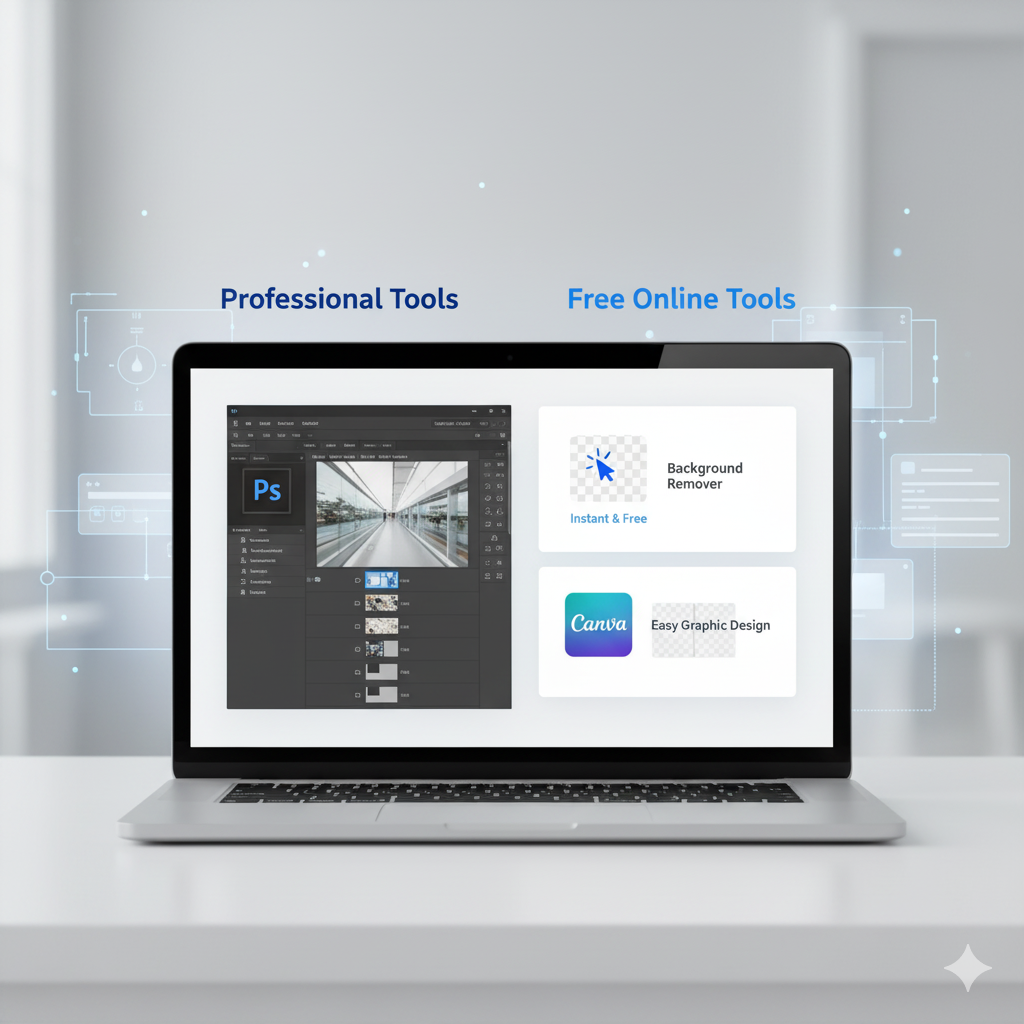
Gone are the days of heavy software like Photoshop for simple resizing tasks. With the Image Resizer Tool, you can resize images online in seconds—completely free and without downloading anything.
Key Benefits:
- Resize images for Instagram, Facebook, TikTok, Twitter/X, Pinterest, and LinkedIn.
- Maintain sharp, high-quality visuals without pixelation.
- Works directly in your browser—no downloads or installations.
- 100% free and secure.
Step-by-Step Guide: How to Resize Images for Social Media
Here’s how simple it is to resize your photos:
- Open the Image Resizer Tool.
- Upload your image (supports JPG, PNG, or GIF).
- Enter your desired dimensions, or select from recommended social media sizes.
- Click resize and download your ready-to-post photo.
In less than a minute, you’ll have a perfectly sized image for your social platform of choice.
Best Social Media Image Sizes for 2025
To help you save time, here’s a quick reference list of the most important image dimensions:
- Instagram Post – 1080 x 1080 px (square)
- Instagram Stories/Reels – 1080 x 1920 px
- Facebook Cover – 820 x 360 px
- Facebook Post – 1200 x 630 px
- Twitter/X Header – 1500 x 500 px
- LinkedIn Banner – 1584 x 396 px
- TikTok Video Cover – 1080 x 1920 px
- Pinterest Pin – 1000 x 1500 px
💡 Pro tip: Save this list as your go-to cheat sheet for every project.
Why Free Tools Beat Paid Software
Many professionals still pay for Photoshop, Canva Pro, or Lightroom just to resize their images. But why spend money when free tools do the job just as well?
With the Image Resizer:
- No costly subscriptions.
- No steep learning curves.
- Works on any device—desktop, tablet, or mobile.
- Instant results, no waiting.
For freelancers and small businesses, this is especially important because it keeps costs down while boosting productivity.
Common Mistakes When Resizing Images
Before you start resizing, avoid these frequent errors:
- Ignoring aspect ratios – Stretching images makes them look unprofessional.
- Uploading oversized files – Larger than necessary files slow down websites and social uploads.
- Forgetting mobile optimization – Over 70% of social media users access platforms via mobile.
- Not testing visuals – Always preview how your resized image looks on different platforms.
By using the Image Resizer Tool, you can avoid these issues completely.
More Free Tools for Content Creators
Resizing images is just one part of the content creation process. MyFriendlyTools offers a full suite of free online tools designed to simplify your digital workflow:
- Background Remover – Instantly clean up images.
- Image File Converter – Convert images between JPG, PNG, GIF, and more.
- Word Counter Tool – Track word and character counts for captions and blogs.
- Text Cleaner Tool – Remove extra spaces and formatting.
- QR Code Generator – Create QR codes for portfolios, websites, or promotions.
These tools are especially useful for freelancers, students, and marketers who need efficiency without paying for premium apps.
The Future of Image Resizing: Smarter & Faster
As technology evolves, resizing images for social media will become even more seamless. AI-powered tools are already emerging, offering features like automatic cropping, smart resizing for multiple platforms, and predictive adjustments based on content type.
At MyFriendlyTools, the mission is to keep expanding free tools that help users save time, cut costs, and work smarter online. The Image Resizer is just the beginning—expect even more powerful features in the near future.
Conclusion
Resizing images for social media doesn’t have to be stressful, expensive, or time-consuming. With the free Image Resizer Tool from MyFriendlyTools, anyone can create perfectly sized, professional visuals in just a few clicks.
From Instagram to TikTok, Facebook to LinkedIn, the right image size can boost your brand, increase engagement, and make your posts stand out.
👉 Start resizing your images today with MyFriendlyTools and take your social media presence to the next level.